How to Spot Text Message Scams in New Zealand
Text message scams are common in New Zealand. They can look like they come from a bank, courier company, power company, phone provider, government agency, or someone you know.
The message may say you need to pay a fee, update your details, claim a refund, confirm a delivery, or fix a problem with your account.
Some scam messages are obvious. Others look very real.
This guide explains how to spot a suspicious text message, what to avoid, and what to do if you think you have clicked on a scam link.
What is a text message scam?
A text message scam is a message designed to trick you into doing something unsafe.
It may try to get you to:
- Click a link
- Enter your bank login details
- Share a password
- Provide personal information
- Call a fake support number
- Make a payment
- Download an unsafe app
Scammers often pretend to be well-known companies or trusted organisations. Netsafe explains that scams often use pressure, urgency, or fake trust to get people to act quickly.
Common types of text message scams
Here are some common examples.
Courier delivery scams
These messages may say a parcel is waiting, but you need to pay a small fee first.
Example:
“Your parcel could not be delivered. Pay $2.49 to reschedule delivery.”
The link may take you to a fake website that asks for card details.
Bank security scams
These messages may say there has been suspicious activity on your account.
Example:
“Your bank account has been temporarily locked. Verify your details now.”
A real bank will not ask you to log in through a random text link.
Toll or parking payment scams
These messages may say you have an unpaid toll, parking fine, or overdue fee.
They often use small amounts because people are more likely to pay quickly without checking.
Government payment or refund scams
Some messages pretend to be from Inland Revenue, NZTA, Work and Income, or another official service.
They may say you are owed money or need to confirm your details.
Family emergency scams
A scammer may pretend to be a child, grandchild, or friend using a new phone number.
Example:
“Hi Mum, I lost my phone. This is my new number. Can you help me pay a bill?”
Always check by calling the person on a number you already know.
Warning signs of a scam text
A message may be a scam if it:
- Comes from an unknown number
- Includes a link you were not expecting
- Tells you to act immediately
- Asks for your bank details
- Asks for your password or verification code
- Has spelling mistakes or strange wording
- Says there will be a penalty if you do not act
- Offers a refund, prize, or payment you were not expecting
- Makes you feel worried or rushed
One warning sign is enough to pause and check.
The simple pause test
Before clicking any link in a text message, ask yourself:
Was I expecting this message?
If the answer is no, do not click the link.
Instead, go directly to the company’s official website by typing the address into your browser, or call the company using a phone number from its official website.
Do not use the phone number or link in the suspicious text.
What to do if you receive a suspicious text
If you receive a text message that looks suspicious:
- Do not click the link.
- Do not reply.
- Do not call any number in the message.
- Take a screenshot if you want to keep a record.
- Block the number.
- Delete the message.
In New Zealand, the Department of Internal Affairs recommends reporting scam texts by forwarding them to 7726, which is a free reporting service.
What to do if you clicked a scam link
Clicking a link does not always mean your money or details have been taken.
What matters is what happened next.
If you clicked the link but entered no details
Close the page.
Do not enter anything.
You may also want to clear your browser history and run any security updates on your phone.
If you entered bank or card details
Contact your bank immediately.
Use the number on the back of your card or the official bank website.
Tell them you may have entered your details into a scam website.
Consumer Protection New Zealand advises people who have been scammed to stop contact with the scammer, avoid making further payments, contact their bank or payment service, and report the scam.
If you entered a password
Change that password straight away.
If you use the same password anywhere else, change it there too.
Turn on two-step verification if the account offers it.
If you installed an app
Delete the app.
Update your phone.
Contact your bank if the app asked for financial information.
If you are unsure what to do, ask a trusted family member or contact a professional support service.
Should you reply STOP?
No.
Do not reply to a suspicious message.
Replying can confirm to scammers that your number is active.
Only use STOP for legitimate services you recognise and signed up for.
How family members can help
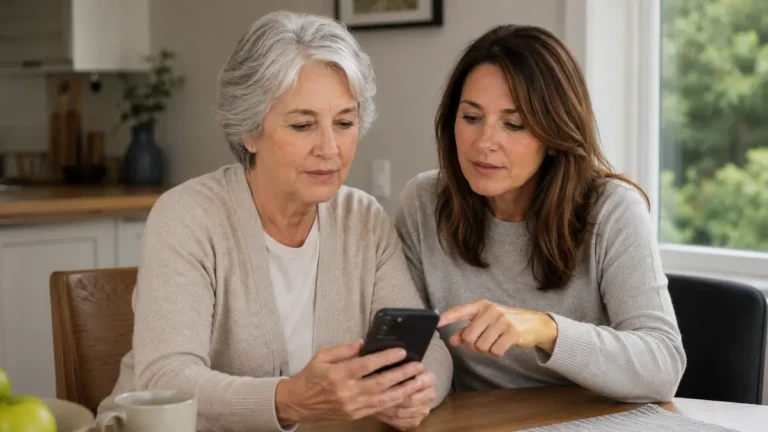
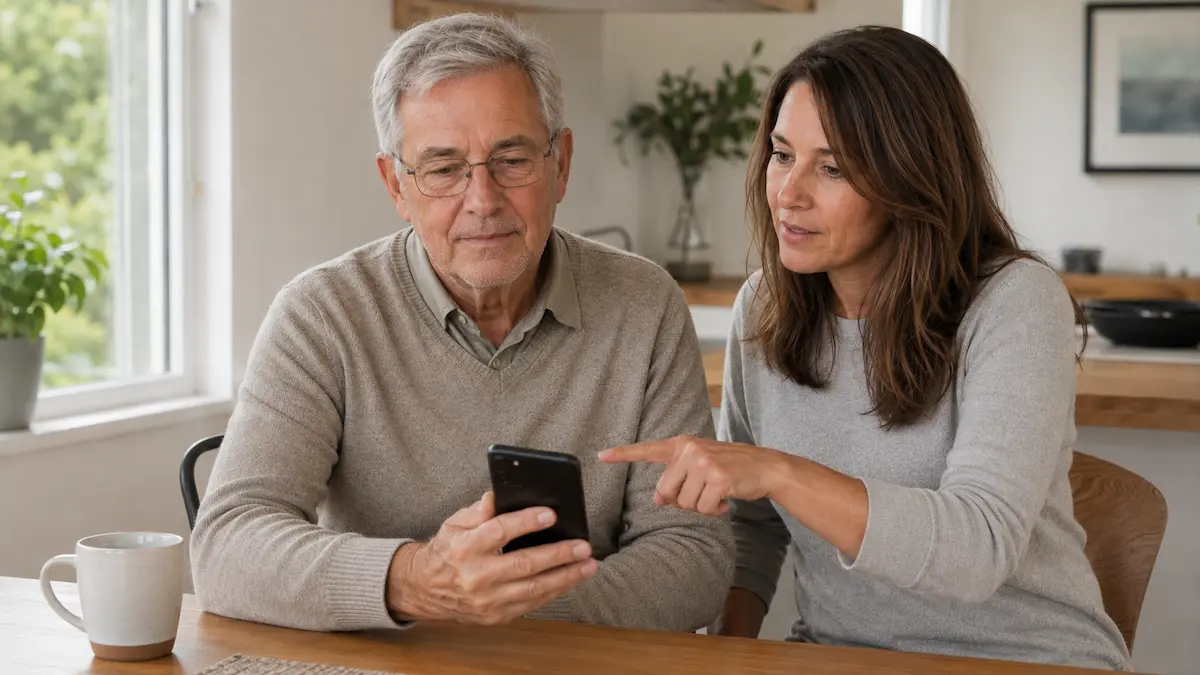
If you are helping a parent or older relative, it can be useful to set up a simple rule together.
For example:
“We do not click money, bank, parcel, or government links in text messages. We check them another way first.”
You can also help by:
- Saving important phone numbers into their contacts
- Showing them how to block a number
- Setting up banking alerts
- Turning on two-step verification
- Agreeing that they can call you before acting on a worrying message
The goal is not to make someone feel embarrassed. Scams are designed to catch people off guard.
A simple scam safety checklist
Before clicking a text message link, check:
- Was I expecting this message?
- Do I recognise the sender?
- Is it asking for money or personal details?
- Is it trying to rush me?
- Can I check this another way?
If in doubt, do not click.
Where to get help in New Zealand
For online scam advice, you can contact Netsafe. Netsafe provides free and confidential advice for people in New Zealand dealing with scams or online safety concerns.
You can also report online security incidents through New Zealand’s National Cyber Security Centre reporting tool.
If money has been taken, contact your bank first.
Final thought
Text message scams can look convincing, but most rely on the same trick: making you act quickly.
Pause before clicking.
Check the message another way.
Ask someone you trust if you are unsure.
That short pause can prevent a much bigger problem.