What to Do If You Clicked a Scam Text Link in NZ
Clicking a scam text link can feel worrying, especially if the message looked real at first.
Try not to panic. What matters most is what happened after you clicked.
This guide explains the next steps in plain English for New Zealand seniors and families. If you are still deciding whether a message is suspicious, read our guide on how to spot text message scams in New Zealand.
Quick answer
If you clicked a scam text link:
- Close the page.
- Do not enter anything else.
- Do not call any phone number shown on the page.
- Work out whether you entered details, made a payment, or downloaded something.
- If you entered bank details or card details, contact your bank immediately using the official number.
- Change any password you entered.
- Report the scam text by forwarding it to 7726.
- Ask a trusted family member or support service for help if you are unsure.
Clicking the link alone does not always mean money or information has been taken.
The important question is: what did you do next?
Step 1: Close the scam page
If the page is still open, close it.
Do not press any more buttons on the page.
Do not type in any details.
Do not call a number shown on the page.
If the page says your phone is infected, your account is locked, or you must act immediately, do not follow the instructions on that page. Scam pages often use urgent wording to make people act quickly.
Step 2: Work out what happened
Use this checklist.
If you only clicked the link
If you clicked the link but did not enter anything:
- Close the page
- Delete the message after reporting it
- Update your phone if an update is available
- Keep an eye out for more scam messages
This is usually less serious than entering details or making a payment.
If you entered your name, address, or date of birth
If you entered personal details:
- Take a screenshot if the page is still open
- Write down what information you entered
- Report the scam
- Watch for follow-up scams by text, phone, or email
Scammers may use personal details to make future messages sound more believable.
If you entered bank login details
If you entered your internet banking username, password, access number, security answers, or a verification code:
- Contact your bank immediately
- Use the phone number on the back of your card or the official bank website
- Tell the bank you entered your details into a scam website
- Follow the bank’s instructions
- Change your banking password if the bank tells you to
Do not call any number from the scam message or scam website.
If you entered card details
If you entered a debit card or credit card number:
- Contact your bank or card provider immediately
- Ask whether the card should be blocked or replaced
- Check recent transactions
- Keep checking your account over the next few days
Small payments can sometimes be used to test whether a card works.
If you entered a password
If you entered a password on the scam page:
- Change that password straight away
- Change it on any other account where you used the same password
- Use a new password that is not similar to the old one
- Turn on two-step verification if available
Two-step verification means you need a second check before someone can get into your account. This might be a code sent to your phone or an approval in an app.
If you entered an email password
Your email account is especially important.
If a scammer gets into your email, they may be able to reset passwords for other accounts.
If you entered your email password:
- Change your email password immediately
- Check your email account recovery phone number and backup email
- Look for any forwarding rules you did not set up
- Check your sent folder for emails you did not send
- Turn on two-step verification
Ask a trusted family member or computer support person to help if you are not comfortable checking these settings.
If you downloaded or installed an app
If the scam page told you to install an app:
- Delete the app
- Do not open it again
- Update your phone
- Contact your bank if the app asked for financial information
- Ask a trusted person or phone support provider to check the device
Some unsafe apps are designed to collect information or watch what is typed.
Step 3: Contact your bank if money or banking details are involved
Contact your bank immediately if:
- You entered bank login details
- You entered card details
- You entered a verification code
- You made a payment
- You gave remote access to your phone or computer
- Money has left your account
- You are not sure what information you entered
Use an official contact method.
Good options include:
- The phone number on the back of your bank card
- The bank’s official website
- The bank’s mobile banking app
- Visiting a branch if that is easier
When you speak to the bank, say:
“I clicked a scam text link and may have entered my details. Can you please check my account security?”
It is better to contact the bank early, even if you feel unsure.
Step 4: Change affected passwords
Only change passwords on the real website or app.
Do not use the link from the text message.
For example, if the scam pretended to be about email, go directly to your email provider’s website or app.
Change the password for:
- The account you entered
- Any other account using the same password
- Your email account, if you entered email details
- Your banking account, if your bank tells you to
A good password should be hard for someone else to guess. It does not need to be complicated to remember.
A simple approach is to use a few unrelated words with numbers or symbols added.
Step 5: Report the scam text in New Zealand
In New Zealand, you can report scam text messages by forwarding them to 7726.
This is a free service run through the Department of Internal Affairs.
After forwarding the message, you may receive a reply asking for the sender’s number.
You can also contact Netsafe for free scam advice and support.
If the issue involves an online security problem, the National Cyber Security Centre also has a reporting tool for individuals and small businesses.
Step 6: Keep a short record
If you can, keep a short note of what happened.
Write down:
- The date and time
- The phone number the text came from
- What the text said
- The website link, if visible
- What details you entered
- Whether any money was paid
- Who you contacted afterwards
This can help your bank, Netsafe, or another support service understand the situation.
Step 7: Watch for follow-up scams
After someone clicks a scam link or enters details, they may receive more scam messages.
These may come by:
- Text message
- Phone call
- WhatsApp or Messenger
- Fake support calls
Be careful if someone contacts you and says they can recover your money for a fee.
That can be another scam.
If money has been taken, speak to your bank first.
What not to do after clicking a scam text link
Avoid these common mistakes:
- Do not keep using the scam website
- Do not call phone numbers from the scam page
- Do not reply to the scam text
- Do not send more money
- Do not install apps suggested by the scammer
- Do not give anyone remote access to your phone or computer
- Do not feel embarrassed about asking for help
Scam messages are designed to catch people when they are busy, tired, or worried.
Simple checklist: what to do next
Use this quick checklist.
- I closed the scam page
- I did not enter anything else
- I wrote down what happened
- I contacted my bank if money or banking details were involved
- I changed any password I entered
- I deleted any app I installed from the scam page
- I reported the text to 7726
- I asked for help if I was unsure
How family members can help an older parent
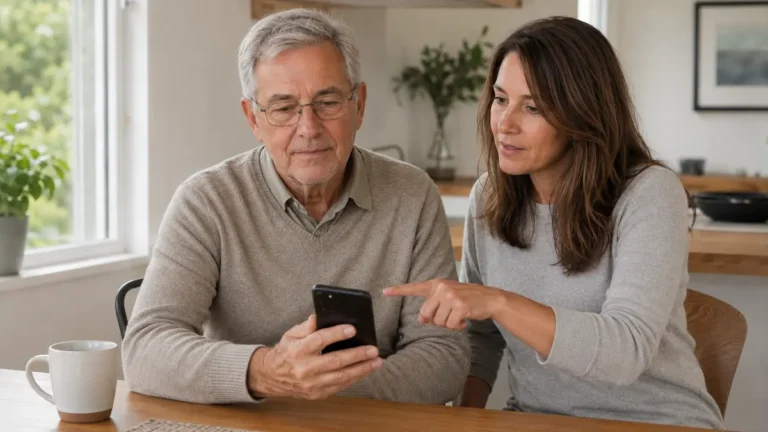
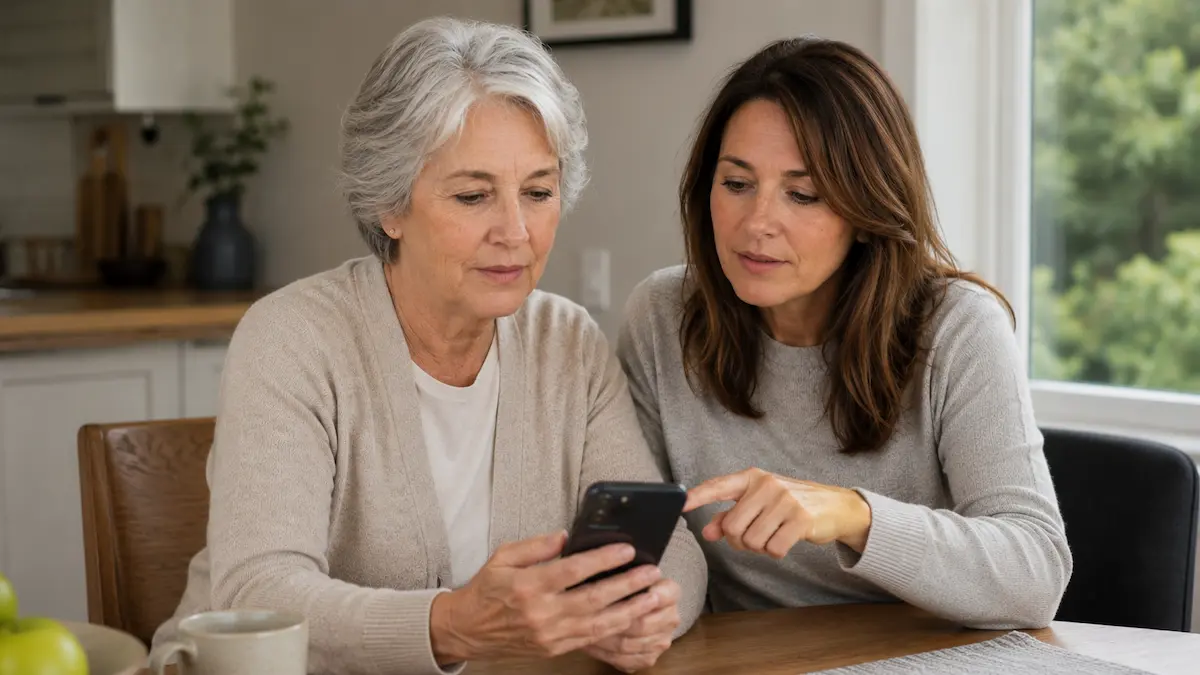
If a parent or older family member clicked a scam link, stay calm.
The aim is to help them act quickly, not make them feel embarrassed.
You can help by:
- Asking what happened step by step
- Checking whether they entered bank details, card details, or passwords
- Helping them contact their bank
- Helping them change passwords
- Helping them report the scam text
- Checking the phone for suspicious apps
- Agreeing on a simple rule for future messages
A useful family rule is:
“If a text message asks for money, bank details, passwords, or urgent action, we check it another way first.”
This gives your parent permission to pause and call someone they trust.
When to get extra help
Get extra help if:
- Money has left an account
- Bank details were entered
- A password was entered
- A verification code was shared
- An app was installed
- The phone is acting strangely
- The person feels worried or unsure
Good first steps are:
- Contact the bank
- Contact Netsafe
- Report the text to 7726
- Ask a trusted family member or local computer support person for help
Final thought
Clicking a scam text link can happen to anyone.
The most important thing is to stop, close the page, and work through the next steps calmly.
If no details were entered, the risk may be lower.
If bank details, card details, passwords, or verification codes were entered, contact the bank and change affected passwords as soon as possible.
When in doubt, ask for help early.