Best Simple Phones for Seniors in New Zealand
The best phone for a senior is not always the newest or most expensive phone.
It is the phone that is easiest to answer, easiest to read, loud enough to hear, and simple enough to use every day.
Some older people only want calls and texts. Others want video calling, photos, family group chats, banking apps, or Google Maps. This guide explains the main types of simple phones available in New Zealand and what to check before buying.
Important note before buying
Avoid older 3G-only phones. The “G” stands for Generation. Think of them like generations of cars: the newer models are faster, safer, and more efficient than the older ones.
New Zealand mobile networks closed down older 3G services, so it is important to check that any phone you buy supports 4G calling, especially if you are buying second hand.
Quick picks
|
Best for |
Good option to consider |
|---|---|
|
Simple calls and texts |
Alcatel 30.82 4G Flip Phone |
|
Large-button flip phone |
Alcatel 30.82 4G Flip Phone |
|
Easy Android smartphone |
Samsung Galaxy A-series phone |
|
Easy Apple phone |
iPhone SE or a recent refurbished iPhone |
|
Home phone with louder sound |
Panasonic amplified cordless phone |
|
Best for video calls |
iPhone, iPad, or Samsung smartphone |
|
Best for family support |
The phone type the family already understands |
Prices, availability, and model names can change. Always check current stock, network support, and return policies before buying.
Best basic flip phone: Alcatel 30.82 4G Flip Phone
The Alcatel 30.82 is a useful option for someone who wants a simple phone mainly for calls and texts.
It has the kind of features many seniors look for:
- Flip phone design
- Physical buttons
- Simple menu
- Colour screen
- Charging cradle
- 4G connectivity
- Hearing aid compatibility
- Long battery life
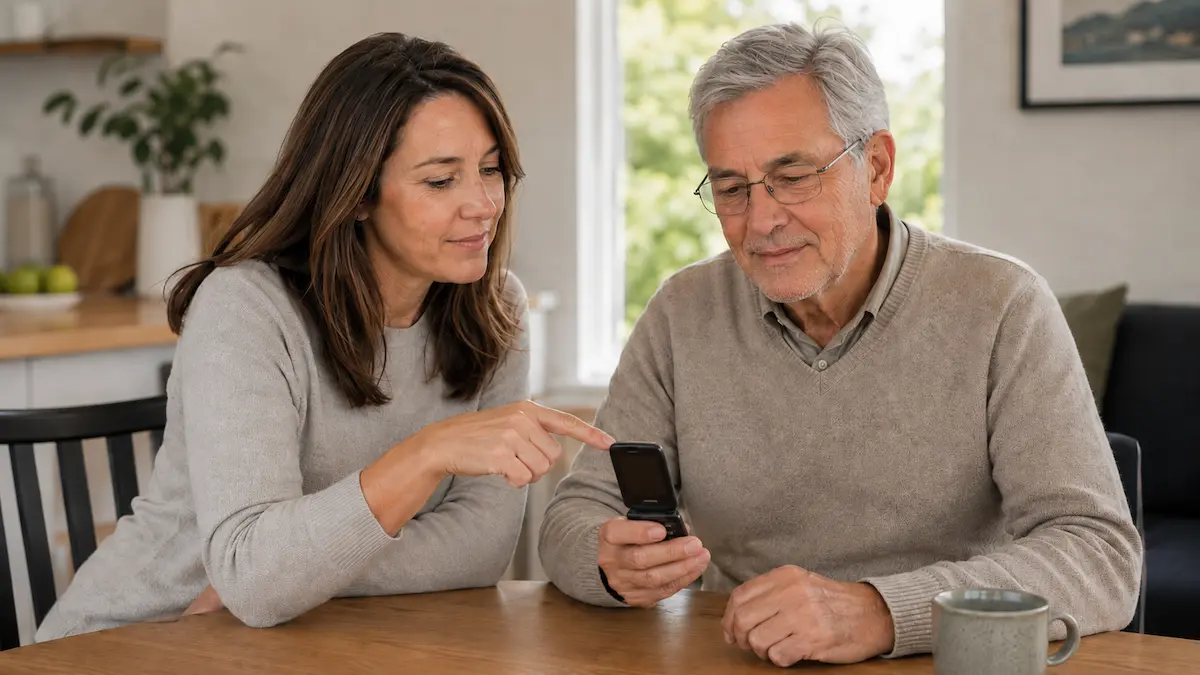
A flip phone can be easier for some people because opening and closing the phone feels familiar. Opening the phone answers the call on some models, and closing it ends the call.
Things to check before buying a flip phone
Before buying, check:
- Is it locked to one mobile provider?
- Does it support 4G calling in New Zealand?
- Are the buttons large enough?
- Is the screen easy to read?
- Is the ringtone loud enough?
- Is texting easy enough for the person using it?
- Does it have a charging cradle?
A simple flip phone is best for someone who wants fewer features and less screen clutter.
Best simple smartphone: Samsung Galaxy A-series
A Samsung Galaxy A-series phone can be a good option for seniors who want a smartphone without paying for a premium model.
This type of phone may suit someone who wants:
- Video calls
- Text messages
- Photos
- Google Maps
- Banking apps
- Weather
- Family group chats
Samsung phones also include useful accessibility settings, such as larger text, screen magnification, and sound adjustments.
Why a Samsung Galaxy A-series phone may suit seniors
A Samsung Galaxy A-series phone can be a good middle ground.
It usually offers:
- A large screen
- Adjustable text size
- Good battery life
- Access to common apps
- A familiar Android layout
- A lower price than premium smartphones
The key is setup. A smartphone can feel confusing if it has too many apps, notifications, and icons.
Before handing it over:
- Increase text size
- Remove unused apps
- Put key contacts on the first screen
- Turn off unnecessary notifications
- Set up emergency contacts
- Add video calling apps
- Test calls, texts, and speaker volume
Best iPhone option: iPhone SE or a recent refurbished iPhone
An iPhone can be a good choice if the family already uses Apple devices.
The main advantage is support. If children or grandchildren use iPhones, they may find it easier to help with setup, FaceTime, iCloud, photos, contacts, and troubleshooting.
Why an iPhone may suit seniors
An iPhone may be a good choice for:
- FaceTime calls
- Family photo sharing
- Simple video calling
- Strong accessibility settings
- Good security support on recent models
- Families already using Apple
The iPhone SE can be affordable compared with other iPhones, but it has a smaller screen. For someone with eyesight difficulties, a larger refurbished iPhone may be easier to read.
What to check before buying a refurbished iPhone
Before buying refurbished, check:
- Battery health
- Warranty
- Return policy
- Software update support
- Storage size
- Whether it is unlocked
- Whether it supports 4G calling in New Zealand
An iPhone is often best when family members can help manage it.
Best home phone for hearing support: Panasonic amplified cordless phone
Some seniors still prefer a home-style cordless phone, especially if they mainly make calls from the house.
An amplified cordless phone can be useful for people who find normal phones too quiet.
Look for features such as:
- Loud ringer
- Louder call volume
- Large buttons
- One-touch memory buttons
- Clear screen
- Simple design
- Speakerphone
This type of phone may suit someone who wants a familiar calling experience at home.
Things to check with home phones
A home phone is not a replacement for a mobile phone outside the house.
Check:
- Does the person still have a suitable home phone service?
- Will it work during a power cut?
- Is the ringer loud enough?
- Are the buttons easy to see?
- Can emergency contacts be saved clearly?
Simple phone or smartphone?
The right choice depends on what the person wants to do.
Choose a simple button phone if they:
- Mainly want calls and basic texts
- Do not want apps
- Prefer physical buttons
- Get confused by touchscreens
- Want long battery life
- Want fewer distractions
Choose a smartphone if they:
- Want video calls
- Use family group chats
- Want photos and email
- Need maps or transport apps
- Use banking or health apps
- Are willing to learn a few simple steps
- Have family who can help set it up
A smartphone can be made much easier with the right setup.
Features to look for
Large, clear screen
A bigger screen makes it easier to read contacts, messages, and caller names.
For smartphones, check whether the text size can be increased.
Loud speaker and ringtone
Test the ringtone, call volume, and speakerphone.
If the person has hearing difficulties, do not rely only on the product description. Test it if possible.
Easy charging
A charging cradle can be helpful for basic phones.
For smartphones, consider:
- A long charging cable
- A charging stand
- Wireless charging, if supported
- A clear charging spot in the home
Good battery life
A phone that needs constant charging can become frustrating.
Look for a phone that comfortably lasts through the day.
Emergency contacts
The phone should make it easy to call family or emergency services.
Set up:
- Favourite contacts
- Emergency contact details
- Medical ID, if available
- Lock screen emergency information, if appropriate
Setup tips for families
Before giving the phone to your parent or older relative:
- Charge it fully
- Increase text size
- Add important contacts
- Remove unnecessary apps
- Set up voicemail
- Set up video calling if needed
- Turn off distracting notifications
- Test the ringtone and speaker volume
- Write down simple instructions
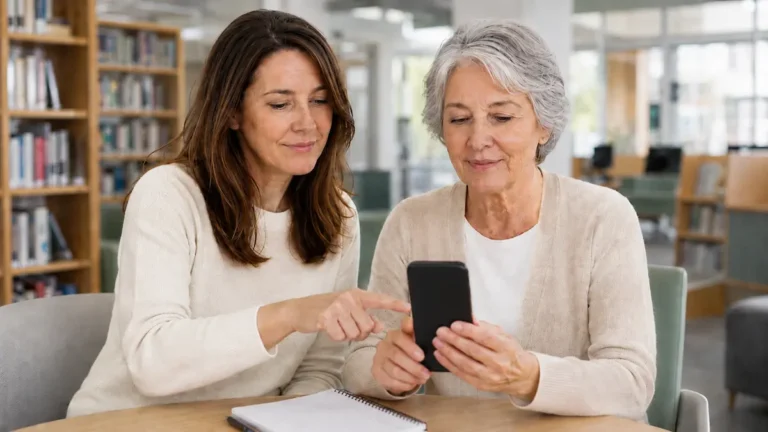
- Practise making and answering calls together
A good setup matters as much as the phone itself.
Questions to ask before buying
Use this checklist in-store or online:
- Is the phone 4G calling compatible in New Zealand?
- Is it locked to a provider?
- Does it work with Spark, One NZ, 2degrees, or the provider we use?
- Is the screen easy to read?
- Are the buttons or icons large enough?
- Is the ringtone loud enough?
- Can family help support it?
- Is there a simple returns policy?
- Does it have a warranty?
- Is the charging method easy?
- Can emergency contacts be set up clearly?
Final thoughts
The best simple phone for a senior in New Zealand depends on the person.
For basic calls and texts, a 4G flip phone may be enough. For video calls, photos, messages, and apps, a Samsung Galaxy A-series phone or iPhone may be better. For home calling and hearing support, an amplified cordless phone may also be worth considering.
The best phone is not the one with the most features. It is the one the person can use confidently, safely, and regularly.